Logging In
• Go to www.successmeasures.org.

• Click the Success Measures Data System link in the upper right corner.
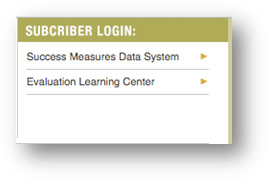
• Enter your email address.
• Enter your password. Your password will be provided by Success Measures or by your organization.
• Click the Login Button.
The first time you log into SMDS, the User Agreement Conditions screen appears. Please read and scroll down to the end of the page.
.
• When ready, click the User Agreement button to agree to the aforementioned Terms and Conditions.

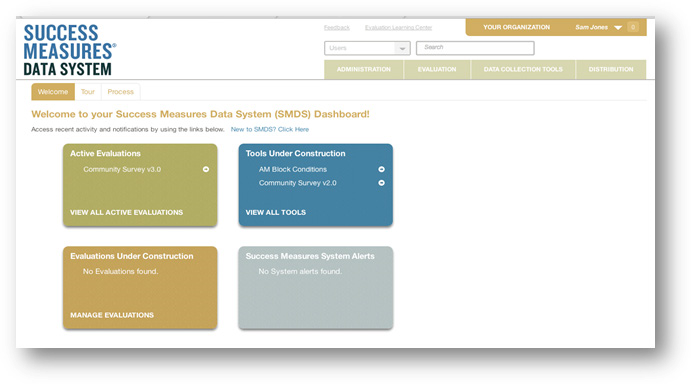
The SMDS dashboard window appears. You have successfully logged into SMDS..
Was this article helpful?
That’s Great!
Thank you for your feedback
Sorry! We couldn't be helpful
Thank you for your feedback
Feedback sent
We appreciate your effort and will try to fix the article