- Login to SMDS.
- Place your cursor over the Administration tab.
- Place your cursor over Users in the drop-down list.
- Click the New SMDS User link.
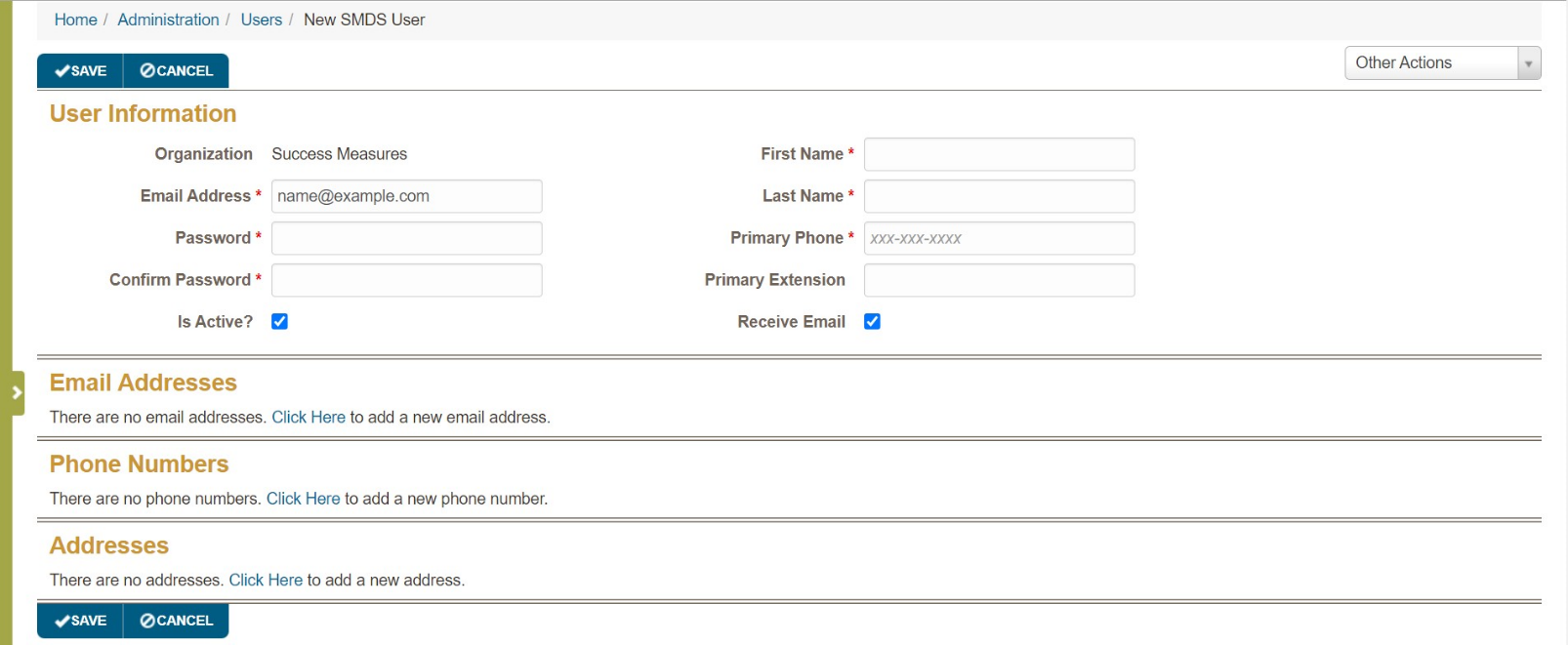
The New SMDS User screen appears. You must complete the required fields – Email Address, Password, Confirm Password, First Name, Last Name and Primary Phone, indicated with a red asterisk.
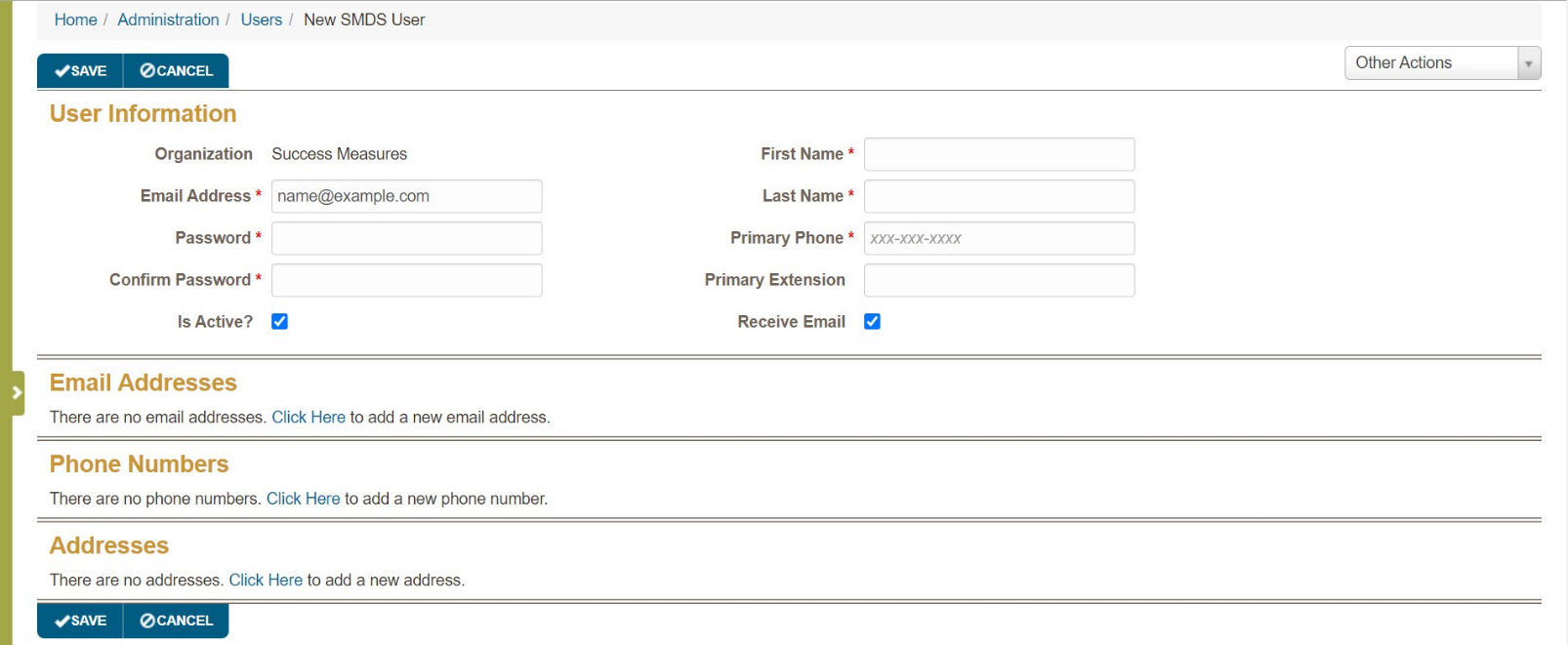
- Click the Save button.
Was this article helpful?
That’s Great!
Thank you for your feedback
Sorry! We couldn't be helpful
Thank you for your feedback
Feedback sent
We appreciate your effort and will try to fix the article